

BUSINESS CONTINUITY
Backup and Disaster Recovery for data protection and system recovery
Business continuity depends on how well critical data is protected and how ready the organisation is to restore it — together with the systems that use it — when an outage occurs.
AIGO designs and implements Backup and Disaster Recovery solutions covering data retention, automated restore procedures, replication to remote sites and planned system recovery.
The implementation adapts to the existing ICT infrastructure, from defining which data needs to be protected and how it is stored, to system configuration, process automation and putting the solution into operation.

Key benefits
Automated system recovery
Replication to remote sites
DATA PROTECTION
When do backup and disaster recovery become important?
The need to protect and recover data usually becomes visible when:
Important data becomes inaccessible or is deleted by mistake.
A system failure cuts off access to applications and business data.
The primary site or part of the infrastructure becomes unavailable.
Restoring systems depends on individual, manual steps.
There is no predefined plan for where backups are kept and how data is restored.
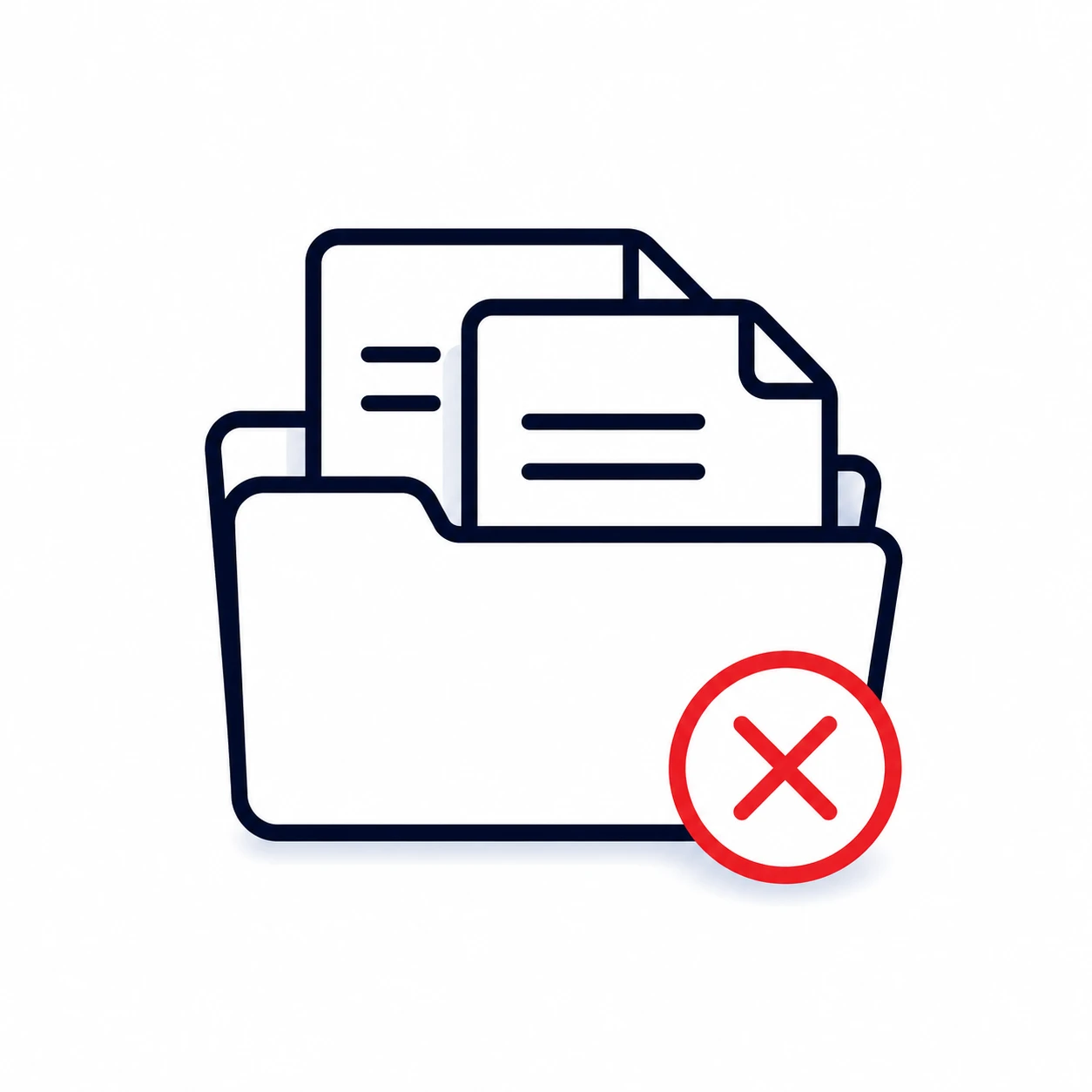
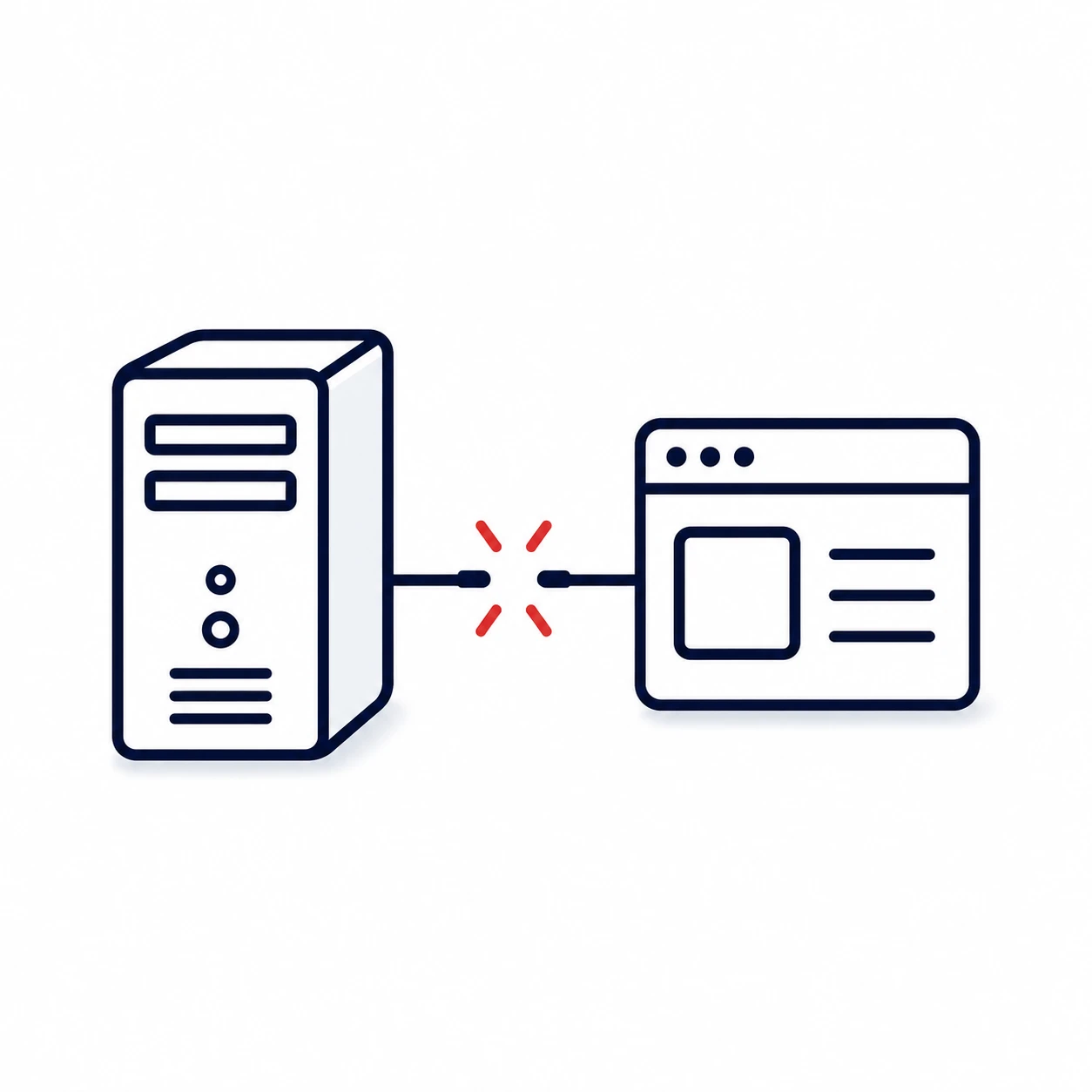
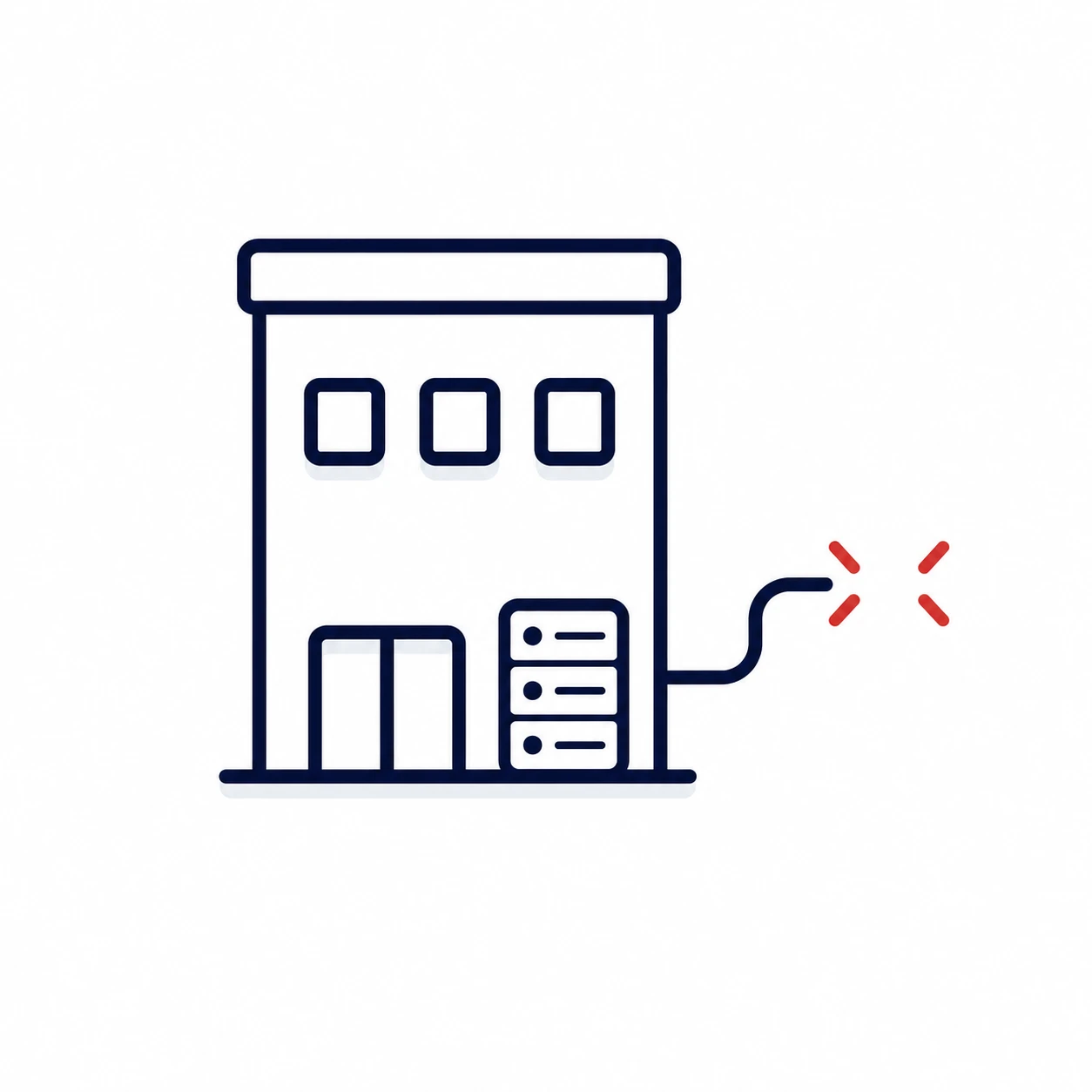
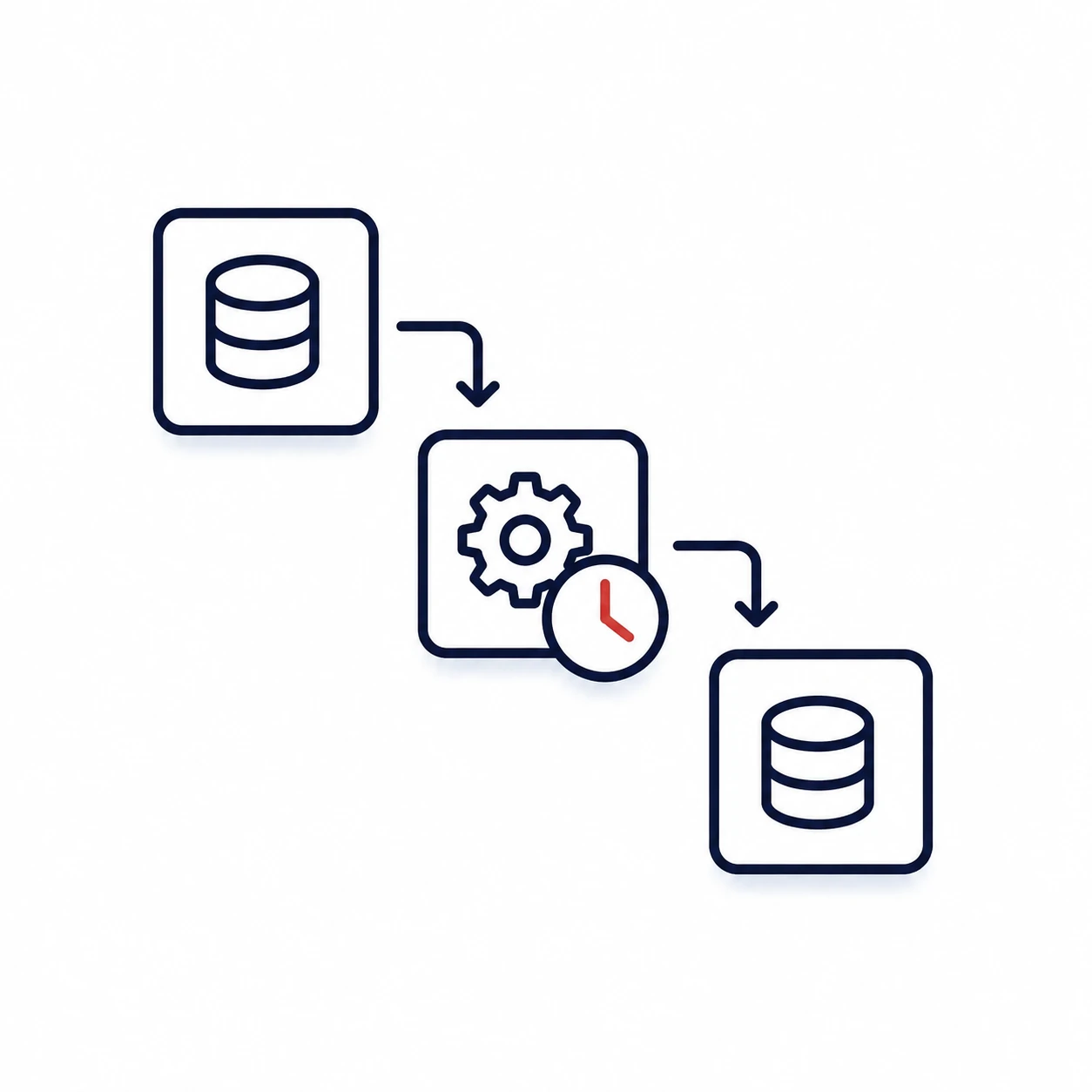
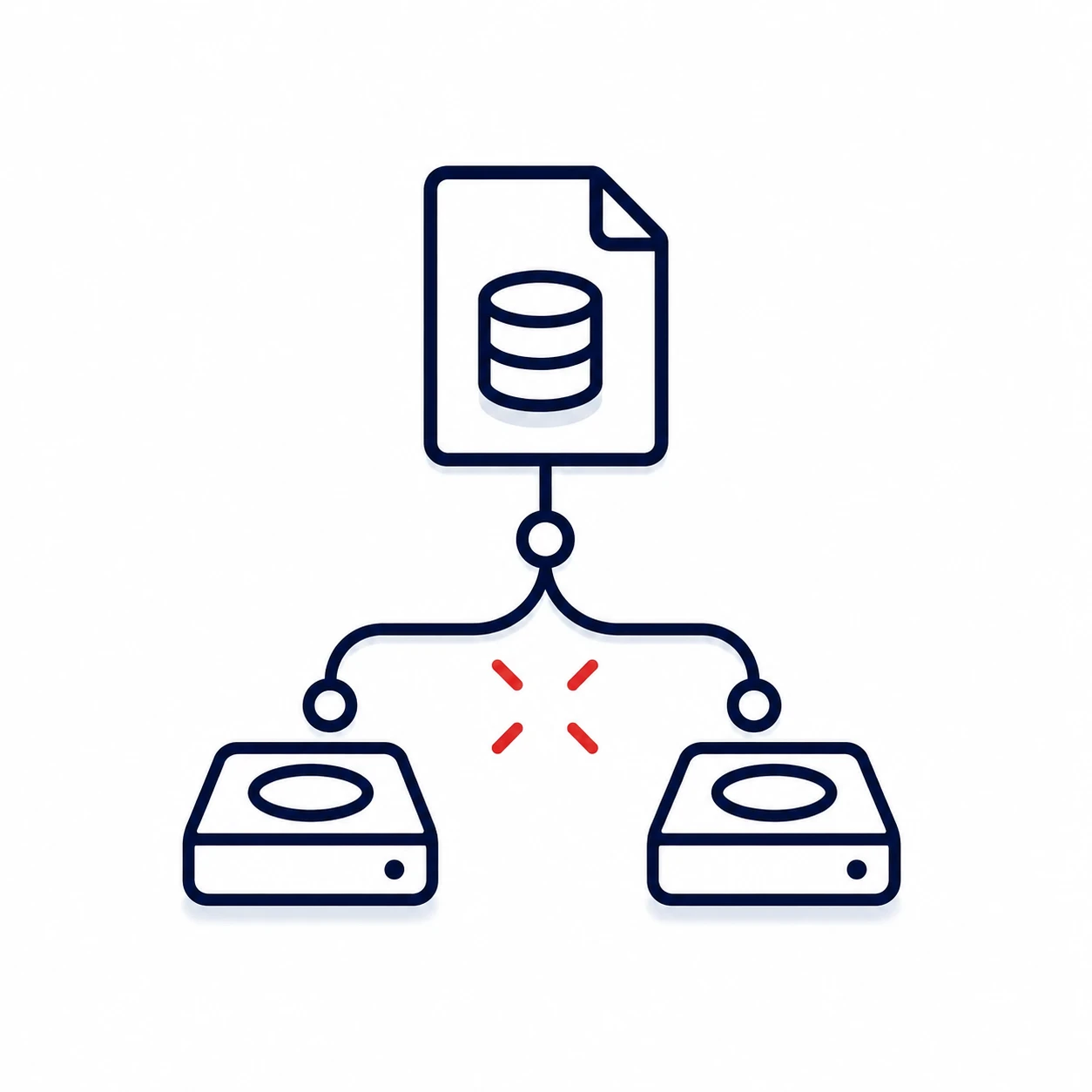
In situations like these, simply having a copy of the data is not enough. What matters is defining in advance how it is restored and how systems recover.
BACKUP AND DISASTER RECOVERY SOLUTIONS
Secure your data before you need it
Backup and Disaster Recovery have different roles, but together they form the foundation of data protection and operational continuity.
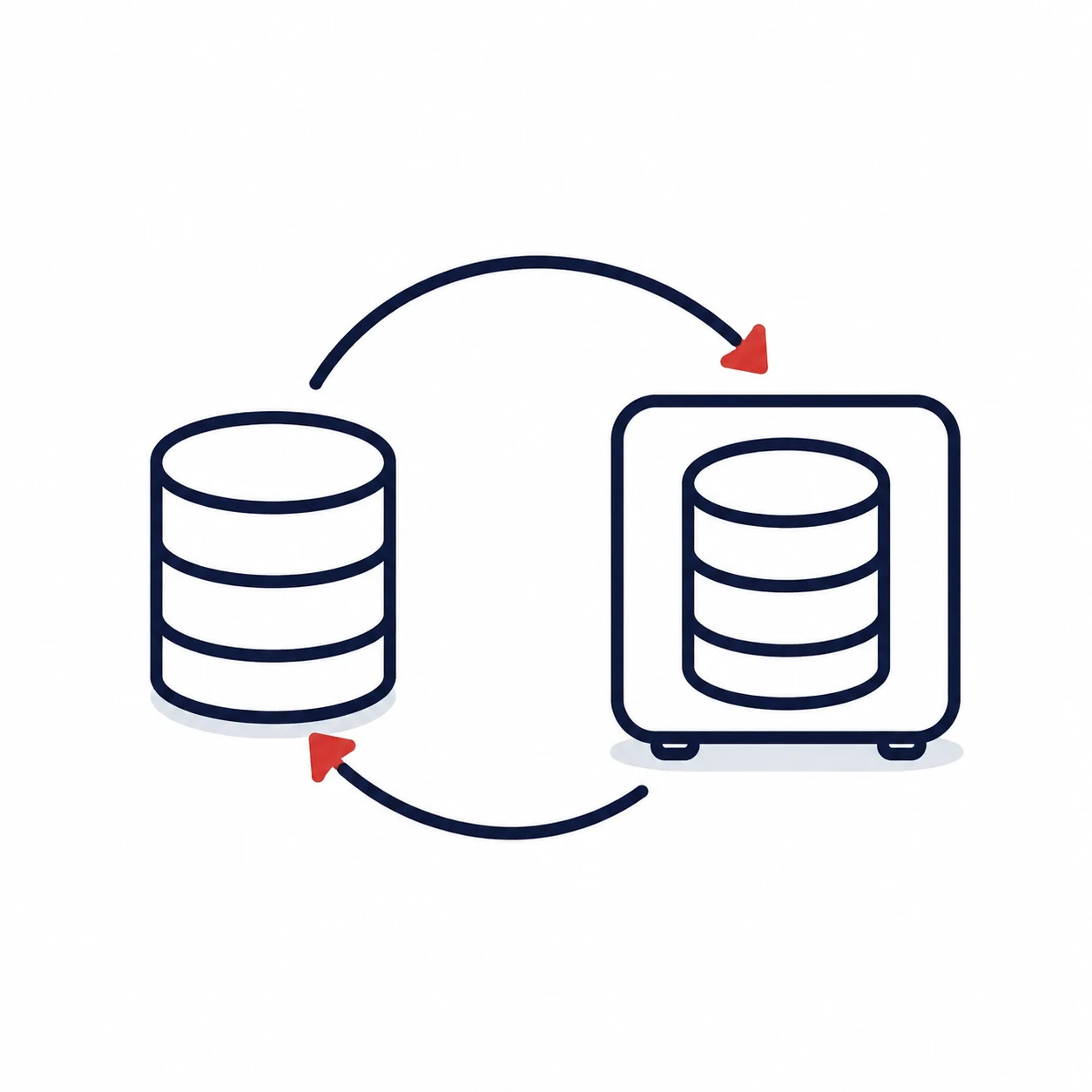
Backup
Lets you create and keep backup copies of data and restore them when needed.
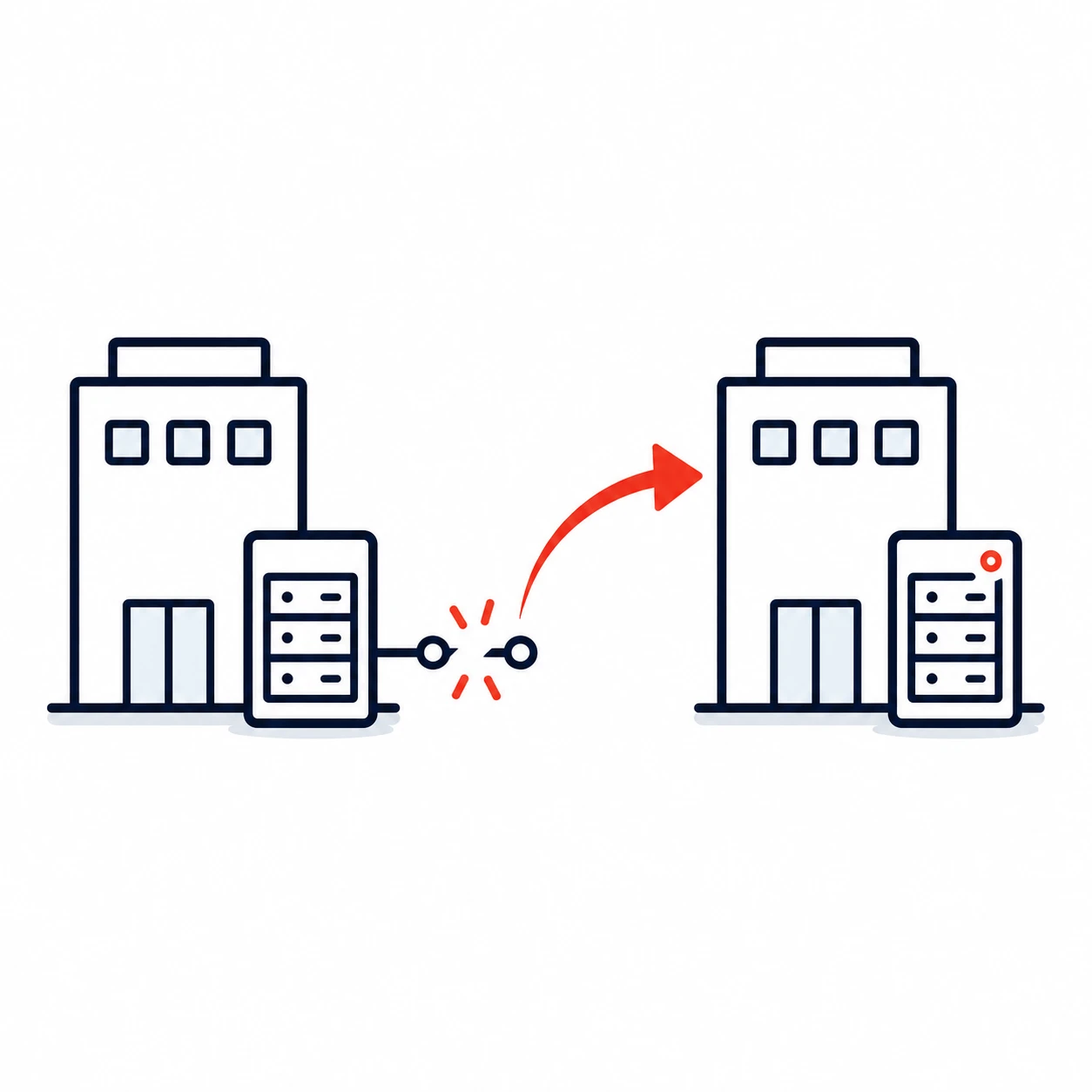
Disaster Recovery
Defines how data and systems are returned to a working state when an outage affects a large part of the infrastructure or the primary site.
BACKUP SOLUTIONS
Reliable data retention and restore
AIGO implements data backup systems with local and remote retention, along with automated restore procedures.
Implementing a backup solution covers:
- defining the data and systems that need to be protected;
- determining how, where and how often backup copies are kept;
- installing and configuring the backup software and the required infrastructure;
- connecting the backup system to existing servers, virtual machines and storage systems;
- setting up automated backup procedures;
- defining and configuring data restore procedures;
- verifying functionality and putting the system into operation.
This way, backup becomes part of the existing ICT infrastructure and runs according to predefined rules for keeping and restoring data.
Technology partners



DISASTER RECOVERY
A planned return of systems to a working state
Disaster Recovery covers building recovery plans and systems, including replicating data to remote sites and orchestrating its rapid return to a working state.
Establishing a Disaster Recovery solution covers:
- analysing the existing infrastructure and the systems that matter for keeping operations running;
- defining recovery scenarios for when the primary system or site is unavailable;
- determining the order in which systems and applications are brought back;
- setting up data replication to a remote site;
- configuring the secondary infrastructure dedicated to recovery;
- setting up orchestration of the recovery process;
- verifying the defined procedures and the systems' readiness to return to operation.
The goal is for the organisation to have no improvised response to a serious outage, but a predefined way for systems and data to return to a working state.
Technology partners